Paid Advertising Tracking
Glass Analytics can automatically tag traffic from paid advertising sources.
Glass Analytics does this by detecting the 'Click ID' that many large networks provide.
IDs & Ad Networks that Glass Analytics Detects
#| Parameter | Platform |
|---|---|
| gclid | Google Ads |
| dclid | Google Display Network |
| fbclid | |
| msclkid | Microsoft Ads |
| ttclid | TikTok |
| twclid | X / Twitter |
| li_fat_id | |
| epik | |
| rdt_cid | |
| ycid | Yahoo |
| yclid | Yandex |
| dicbo | Outbrain |
| tblci | Taboola |
| auctid | Teads |
| awclid | Amazon Ads |
| ef_id | Adobe Advertising |
| vgo_ee | ActiveCampaign |
| __s | Drip |
| _kx | Klaviyo |
| mc_cid | Mailchimp |
| __hssc | HubSpot |
## Filter Sales by Ad Network
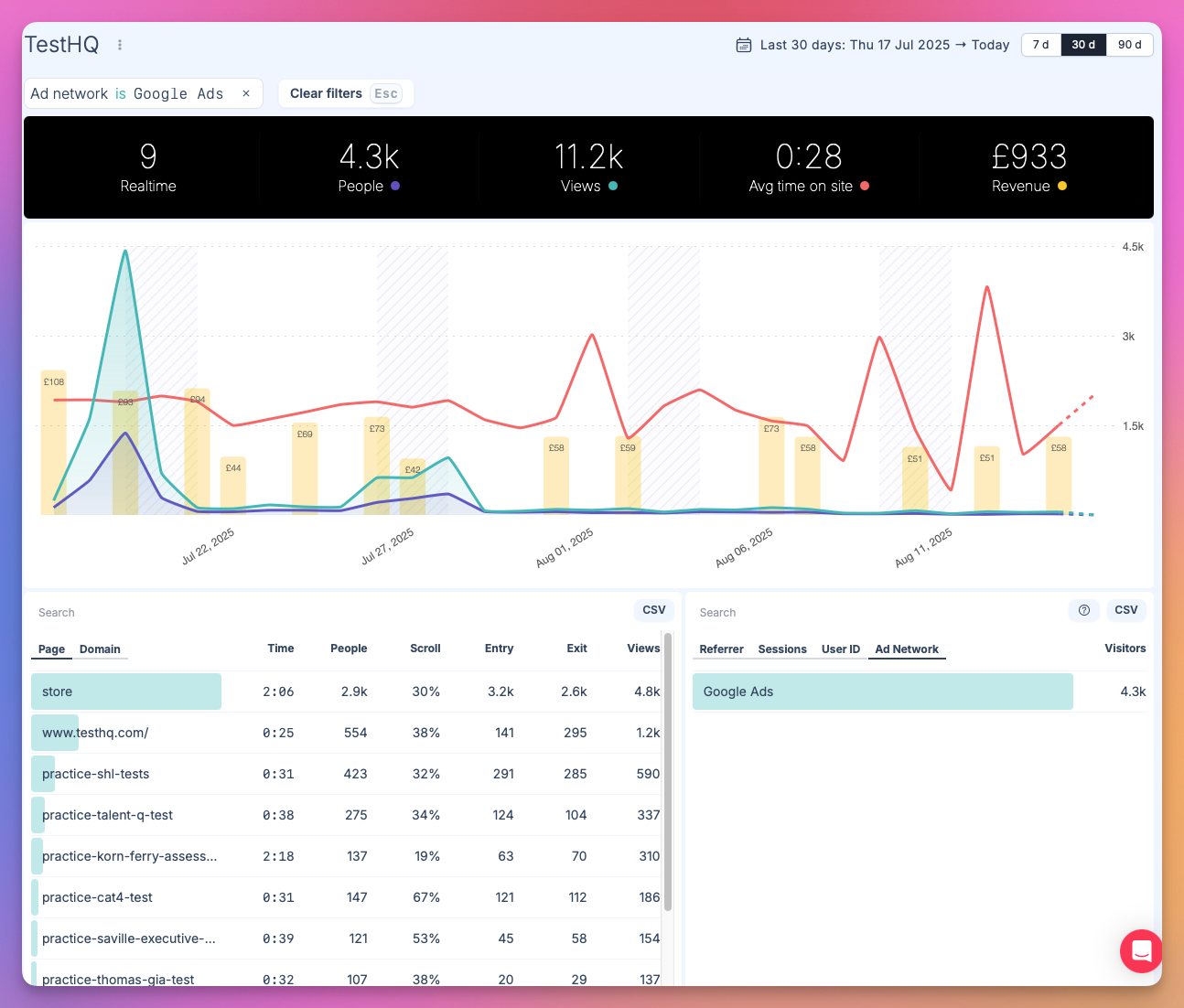
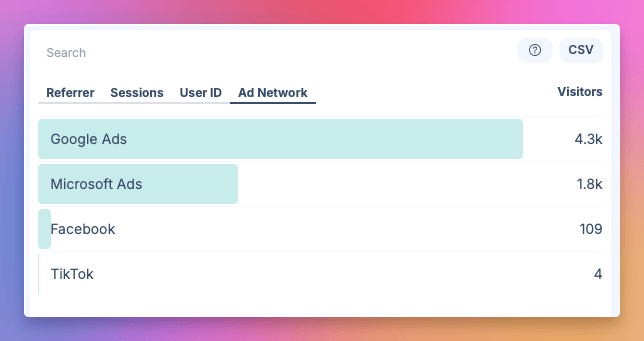
You can segment your data by Ad Network; showing only Sales attributable to that platform.
How to Filter Sales by Ad Network
Navigate to 'Ad Network' in your analytics
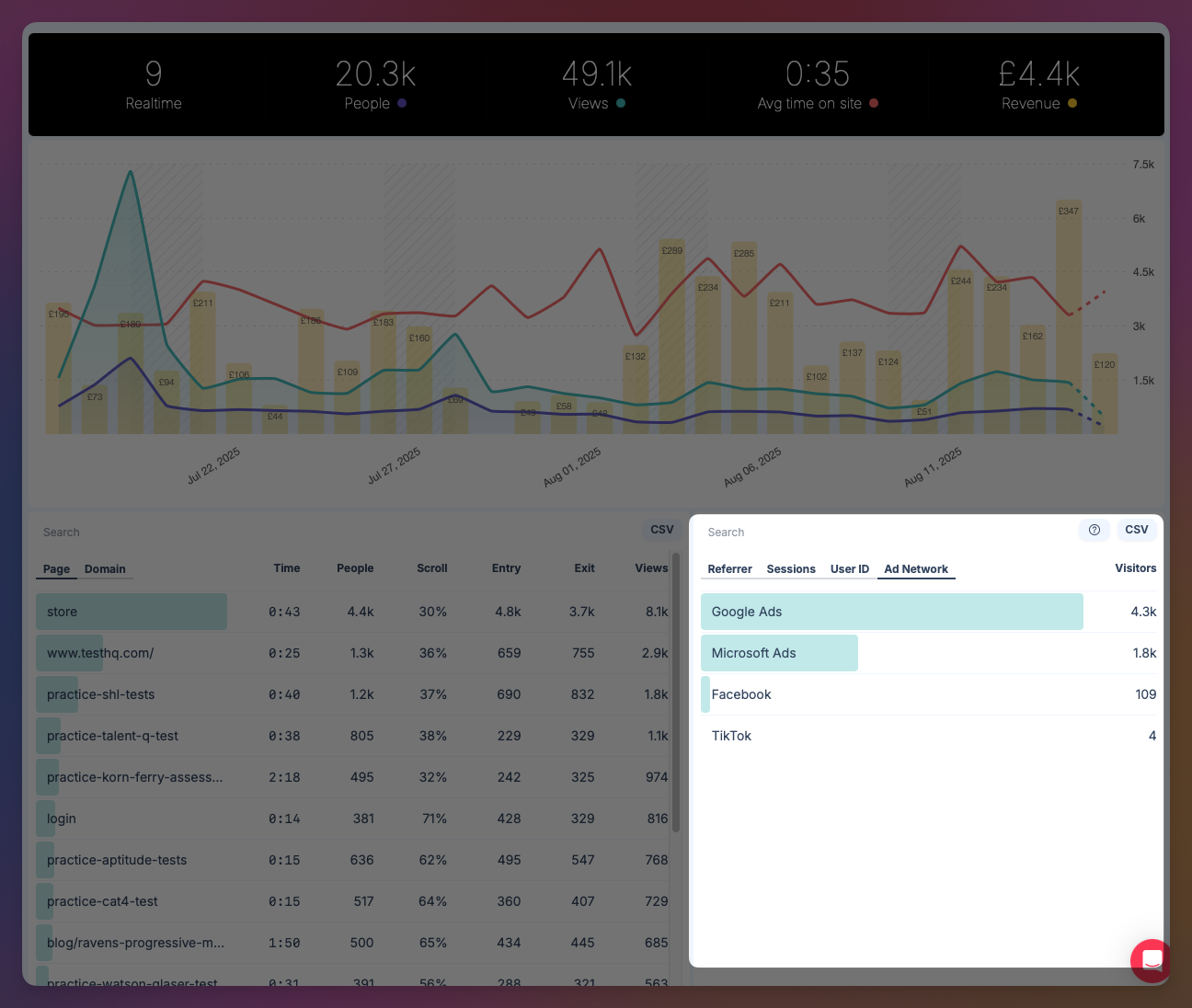
Click on the Ad Network you would like to filter by, and select 'Filter'
Data shown is updated to reflect the Ad Network chosen. This includes revenue lines on the chart.