• Live Demo
  • Features
  • Pricing
  • Docs
  • What's New
  • Sign in
  • Start for Free
Userbird AnalyticsUserbird AnalyticsUserbird Analytics
  • Live Demo
  • Features
    Analytics

    Real-time visitor insights

    Session Replay

    User session replays

    Heatmaps

    Click and scroll visualization

    Toolbar

    Live feedback collection

    Revenue Tracking

    Conversions & currencies

    Form Tracking

    Form completion analytics

    Google Search Console

    Search performance insights

    Stripe Integration

    Payment & revenue tracking

  • Pricing
  • Docs
  • What's New
LoginLog InStart for Free  
Guides

Wordpress Analytics

Install Userbird Analytics on Wordpress

#

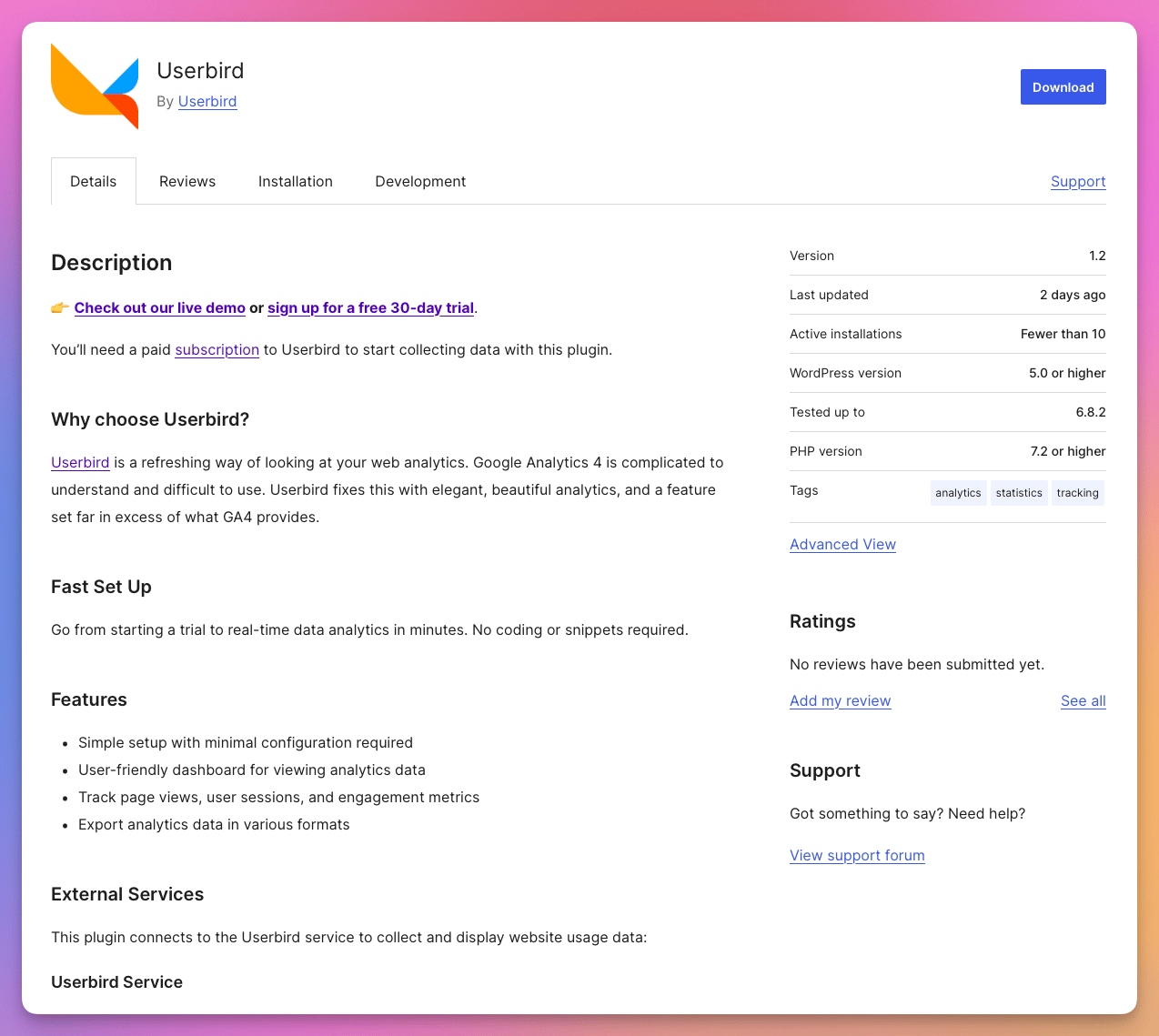
Userbird has an official Wordpress plugin.

Userbird on Wordpress

How to Install Userbird Wordpress Plugin

  1. Login to WordPress admin

    Navigate to https://yourdomain.com/wp-admin

  2. Go to Plugins > Add New

    From the sidebar, go to: Plugins → Add New

  3. Search for the plugin

    In the search box (top-right), type:

    Userbird

  4. Install the plugin

    Find Userbird in the results. Click Install Now.

  5. Activate it

    After installation, click Activate.

Source code

#

Our Wordpress plugin is open source.

On this page
  • Install Userbird Analytics on Wordpress
  • How to Install Userbird Wordpress Plugin
  • Login to WordPress admin
  • Go to Plugins > Add New
  • Search for the plugin
  • Install the plugin
  • Activate it
  • Source code
  • Introduction

    • Quickstart: Get set up
    • Understanding the Userbird Dashboard
    • Page View Analytics
  • How To

    • Session Replay
    • User Tracking
    • Heatmaps
    • Invite a User
    • Cross Domain Tracking
    • UTM Tag Tracking
    • Realtime Analytics
    • Ad Network Tracking
    • E-Commerce Tracking
    • Form Tracking
    • File Download Tracking
    • Event Tracking
    • External Link Tracking
    • Sharing Analytics Data
    • GA4 Event Tracking
    • Public Analytics
    • Session Explorer
    • Analytics Toolbar
    • Google Search Console
    • Stripe Integration
  • Installing

    • Standard HTML
    • Google Tag Manager
    • Squarespace
    • Carrd
    • Wix
    • Shopify
    • Webflow
    • Framer
    • Wordpress
  • Compare Userbird

    • vs Google Analytics
    • vs HotJar
    • vs Fathom
    • vs Plausible
  • About Userbird

    • Definition of Every Metric
    • List of Features
    • Userbird vs Google Analytics
    • User Anonymization Algorithm
    • Data Security
    • Infrastructure
    • Roadmap
    • Billing & Refunds
    • Sustainability
    • Privacy Policy
    • Terms of Use
Userbird
Product
FeaturesPricingDocumentationRoadmapWhat's New
Features
Session ReplaysHeatmapsReal-time AnalyticsRevenue TrackingSession ExplorerCookie-free AnalyticsUTM Tag TrackingEvent TrackingScroll DepthForm TrackingToolbar
Compare
vs Google Analyticsvs Hotjarvs Plausiblevs FathomScript Size Showdown
Userbird
Start with WhyBlogContactSustainabilityLinklyPrivacy PolicyTerms of Service
© 2025 Linkly Ltd