Share Glass Analytics Data
There are two ways to share your Glass Analytics data:
- Invite a new user to your workspace.
- Turn on public sharing.
How to Enable Public Dashboard Sharing
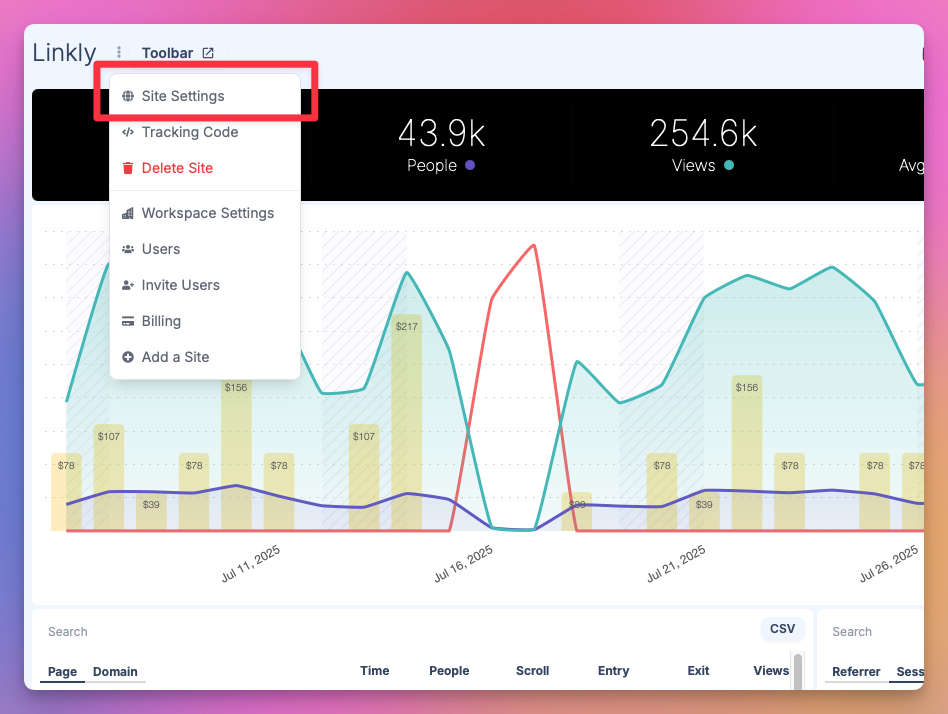
Enter your site, and edit your site settings.
You can find this in the menu next to the site name at the top of the dashboard.
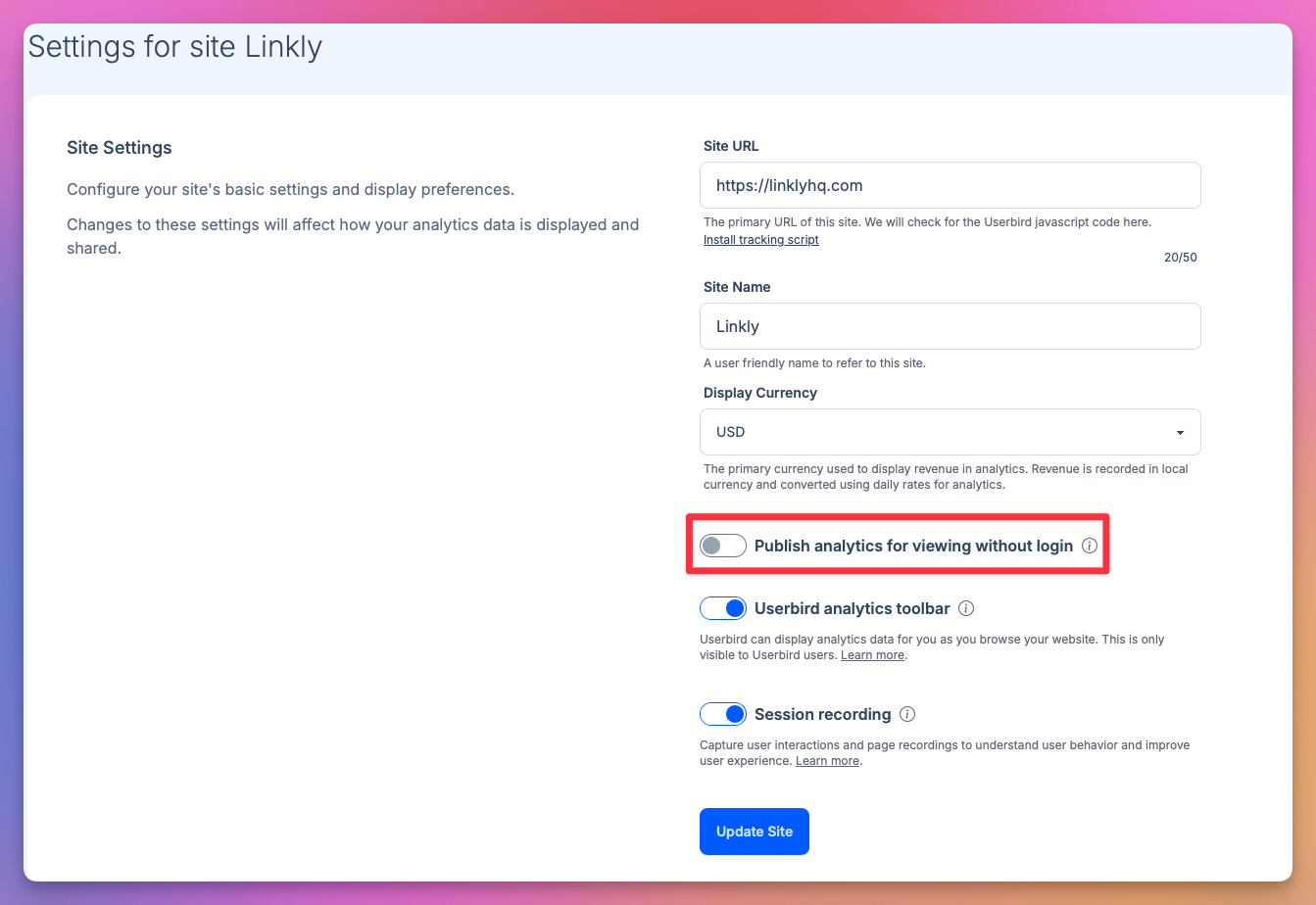
Click 'Publish analytics for viewing without login
Public access is granted on a per-site basis.
Users will be able to see site analytics, but not will be able to adjust any settings.
Click the 'Share' button that appears to get the sharing URL
Anybody with this URL will have read-only access to your analytics, for just this site.